
Your AI's best friend. Talk, and it types.
Hold a key and say what you want. Voice Tide types it into ChatGPT, Claude or any app on your Mac, as fast as you can speak, so you can prompt all day without typing.
For Mac · about 100 languages · speech becomes text on your Mac
Message your AI…
55 words · typing them at 40 words a minute takes 1 min 23 s
On your Mac it's Right Option, in any app. 40 words a minute is where Voice Tide's Insights page starts; set your own there. This demo plays written samples and never uses your microphone.
Your best prompts never get typed.
Short prompts, short answers
Typing a full brief is slow, so it gets cut to one line, and the answer is only as good as that line.
Thoughts outrun fingers
By the time the first sentence is typed, the next three ideas are gone.
Two languages, one keyboard
Switching layouts in the middle of a thought breaks it, in Hebrew and English alike.
Voice Tide lets you say all of it, in any app, in about 100 languages.
Hold, talk, let go.
- 01
Click where it goes
A chat with an AI, an email, a document, a code editor: wherever the cursor is.
- 02
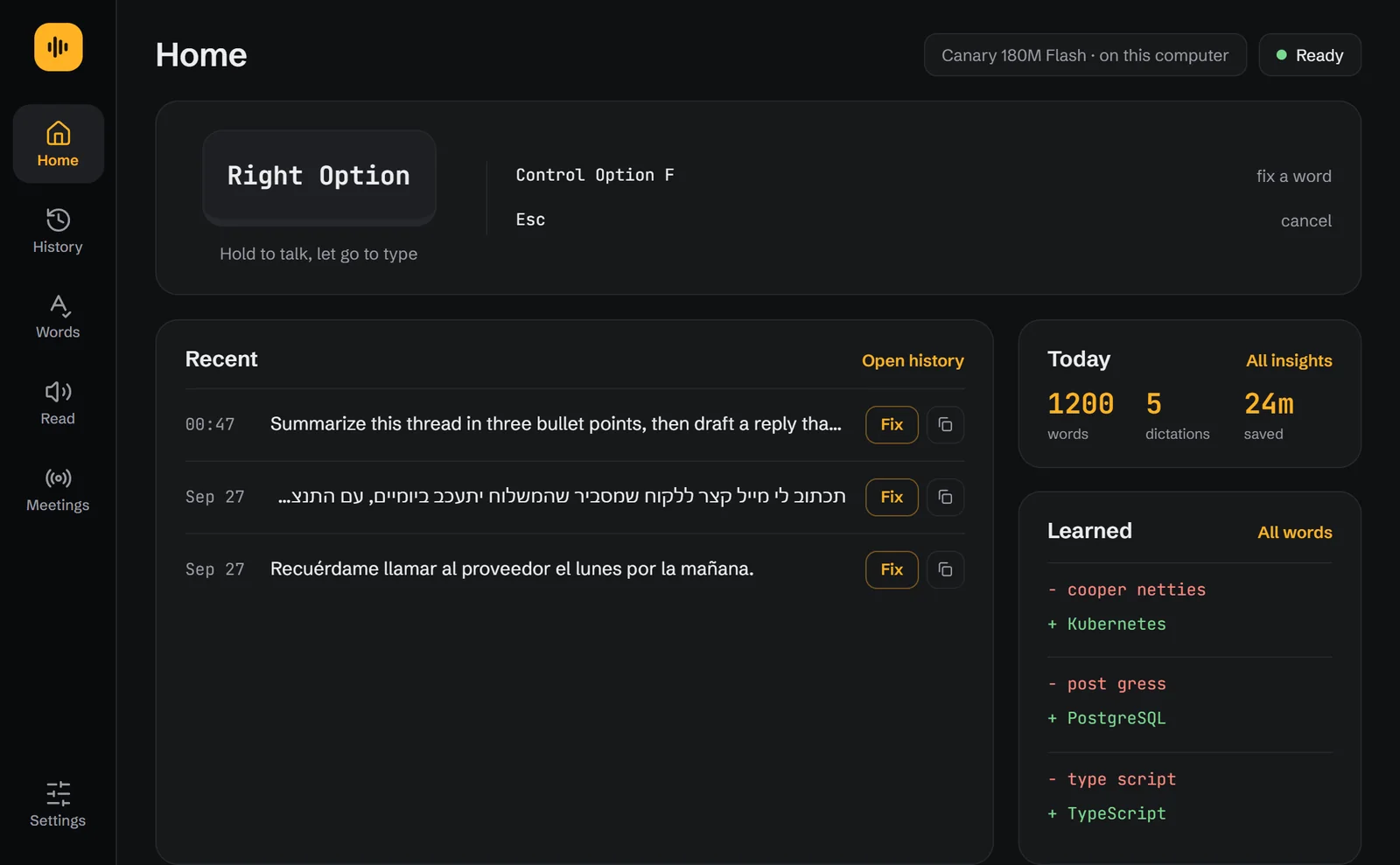
Hold Right Option and talk
Say the whole thing: what you want, what you tried, what a good answer looks like.
- 03
Let go, and it types
Your words appear with punctuation, turned into text right on your Mac.
- Fix a word onceSelect it, press Control Option F, type it right. It's learned.
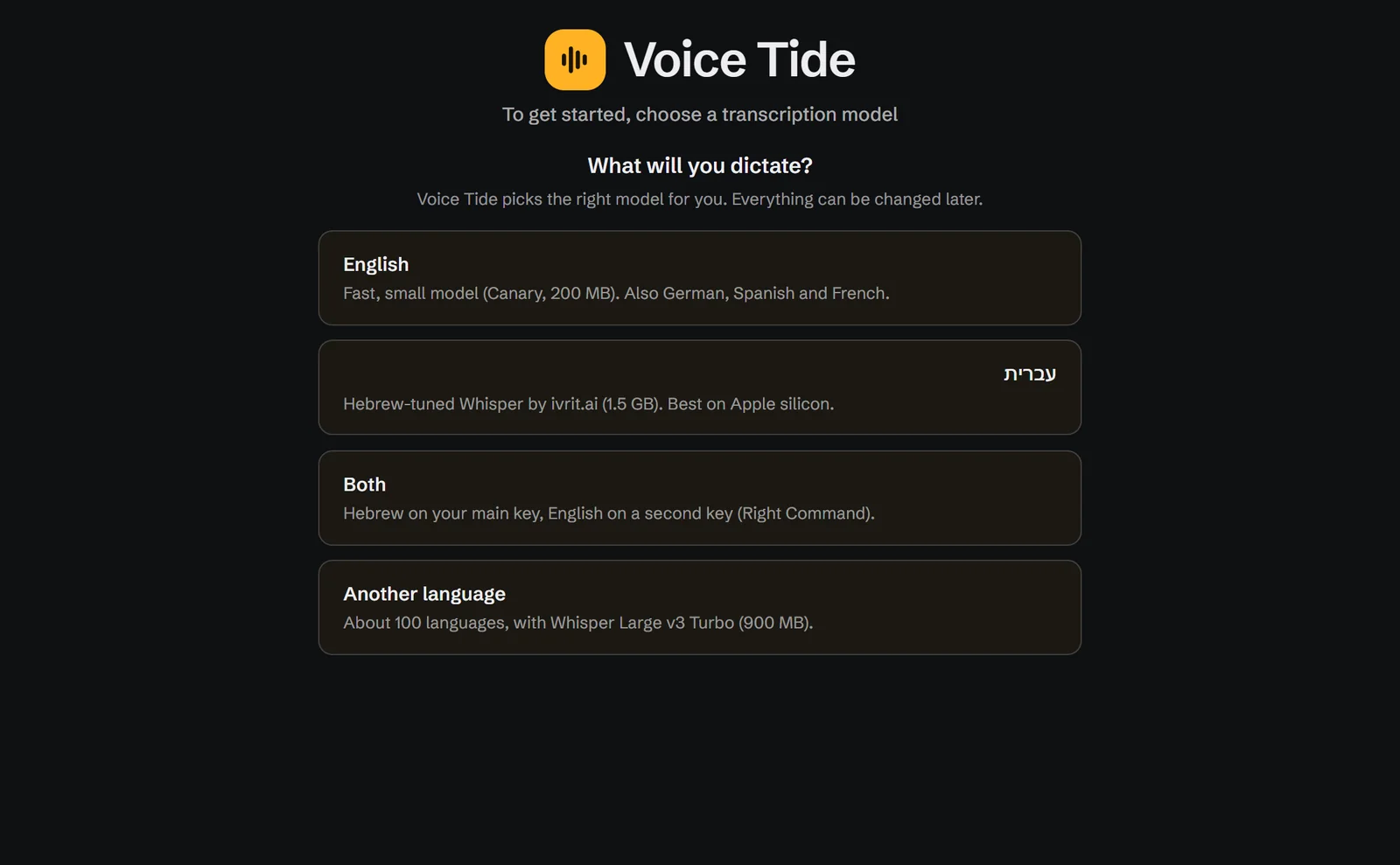
- Two languages, two keysHebrew on one key and English on another.
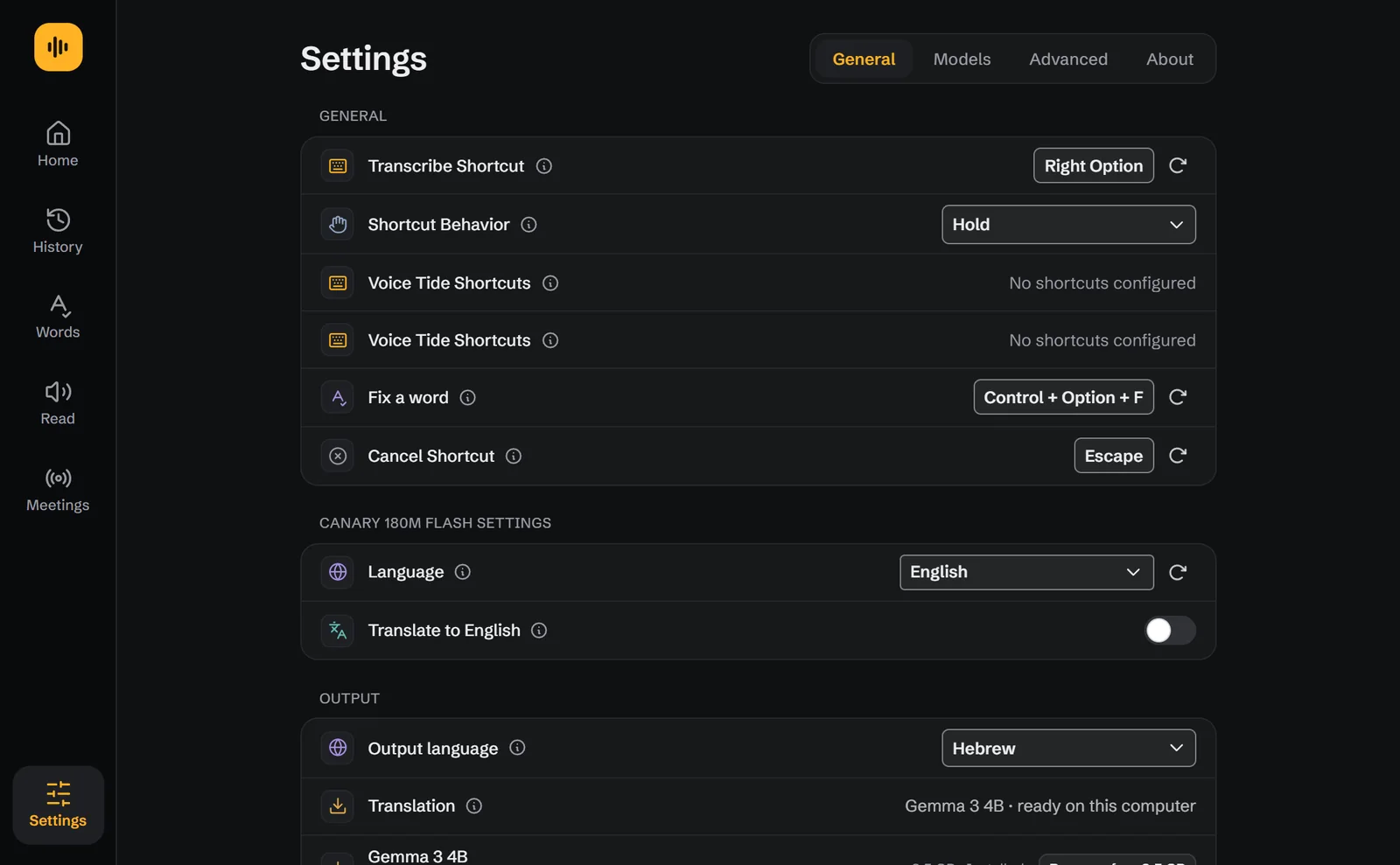
- Speak one, write anotherTalk in English, get Hebrew, or the other way round, translated on your Mac.
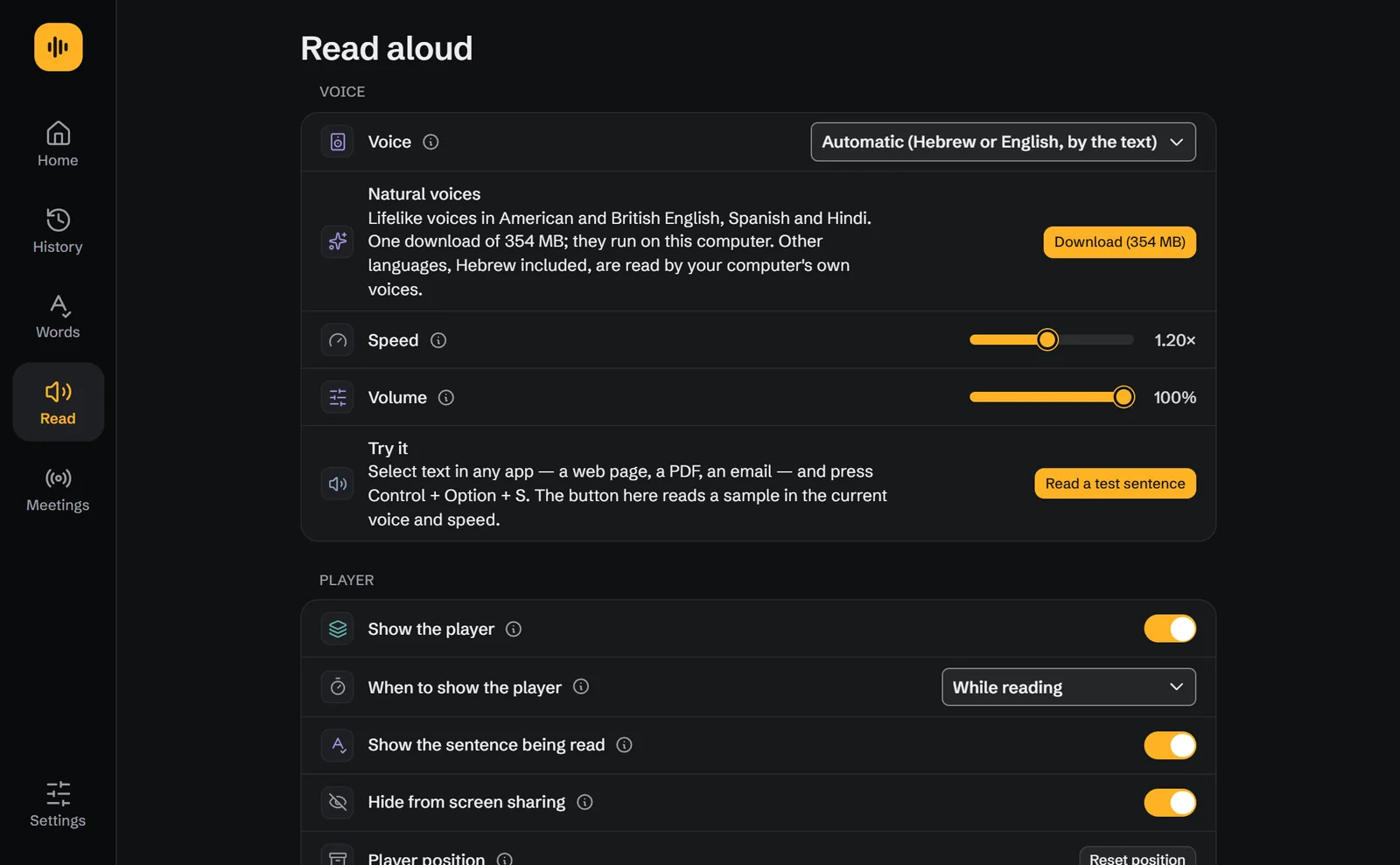
- Read aloudSelect text anywhere and hear it: 35 natural voices, plus your Mac's own.
- About 100 languagesEnglish and Hebrew in one step; the rest a free download.
- Hands-free when you want itSwitch it on, then double-tap the key to keep talking without holding it.
Real screens from the app.

Your voice stays on your Mac.
Speech becomes text on your Mac, never on a server. Voice Tide has no account and no cloud of its own, so what you say goes only where you type it.
- No account, no sign-in
- Speech recognition runs on your Mac
- Your voice is never uploaded
- No ads, no analytics, no trackers
Be the first to know.
Voice Tide is coming to the Mac App Store. Send one email and we'll write back the day it's out.
Opens your email app, addressed to support@voicetide.ai. We use your address only to tell you when Voice Tide launches.